DREAMSCAPE
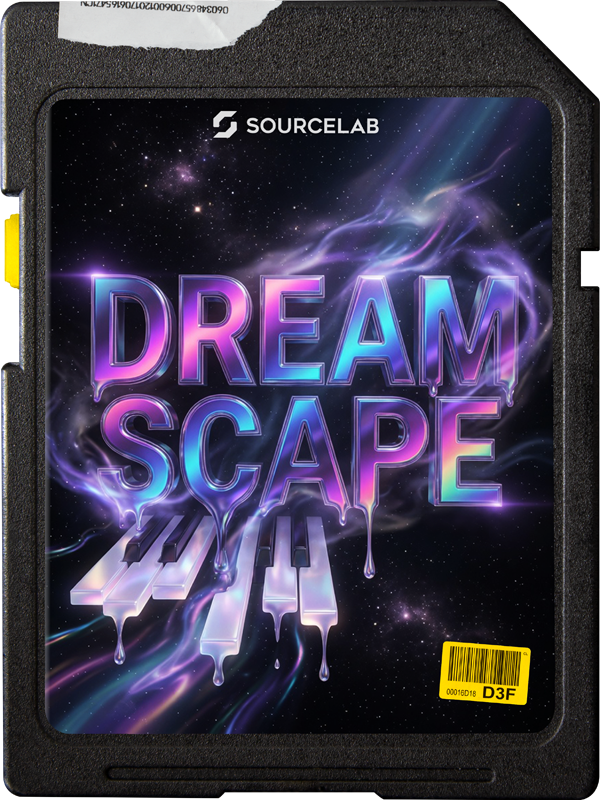
Dreamscape delivers lush, atmospheric keys and hypnotic textures designed for modern R&B, EDM, Hip-Hop, and Trap. Packed with multi-layered pianos, floating electric keys, and completely unique organic texture layers. Don't just play chords... build entire sonic worlds.
Why Dreamscape?
Built for producers looking to add deep, emotional atmospheres and trippy vibes to their tracks, this pack pushes the boundaries of traditional key sounds. Inside, you'll discover a massive 660MB collection of meticulously crafted presets. We combined rich acoustic pianos, electric keys, and round-robin multi-sampled layers with completely custom foley—recording everyday household items to create mind-bending, one-of-a-kind texture layers.
Accompanied by inspiring melody loops, texture loops, accent sounds, and ready-to-use MIDI sequences, this expansion is engineered to instantly spark ideas. From dark, spacey R&B chords to vibrant, melting trap melodies – everything you need to create your next masterpiece is right here.
- 129 Custom Presets (660MB total)
- Lush Pianos & Multi-keys (layered & round-robin)
- Unique Organic Textures (household item foley)
- Melody Loops, Texture Loops & Accent Sounds
- Plug-and-play MIDI Sequences
- Perfect for R&B, EDM, Hip-Hop & Trap
- 100% SourceLab optimized
See It In Action
No worries... this pack has more to offer than just keys, check out this crazy guitar loop which we used to cook up a quick beat.👨🍳
4 Exclusive GUI Skins
Match your SourceLab interface to your vibe. Dreamscape includes 4 stunning, neon-infused skins inspired by the cosmic, melting aesthetics of the sounds inside.
Need SourceLab?
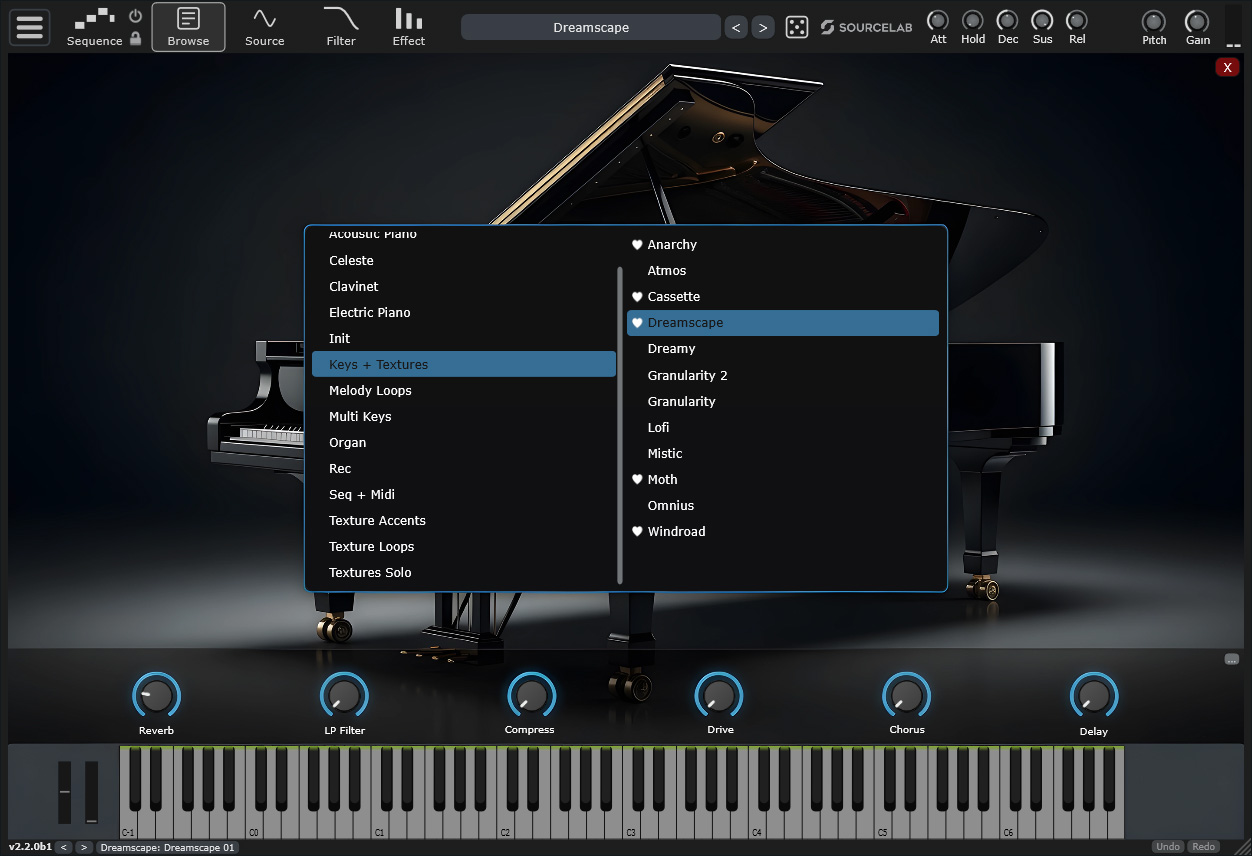
Dreamscape is an expansion pack that requires the SourceLab Virtual Instrument. Don't have it yet? Get the ultimate all-in-one synth and sampler today.
Discover SourceLab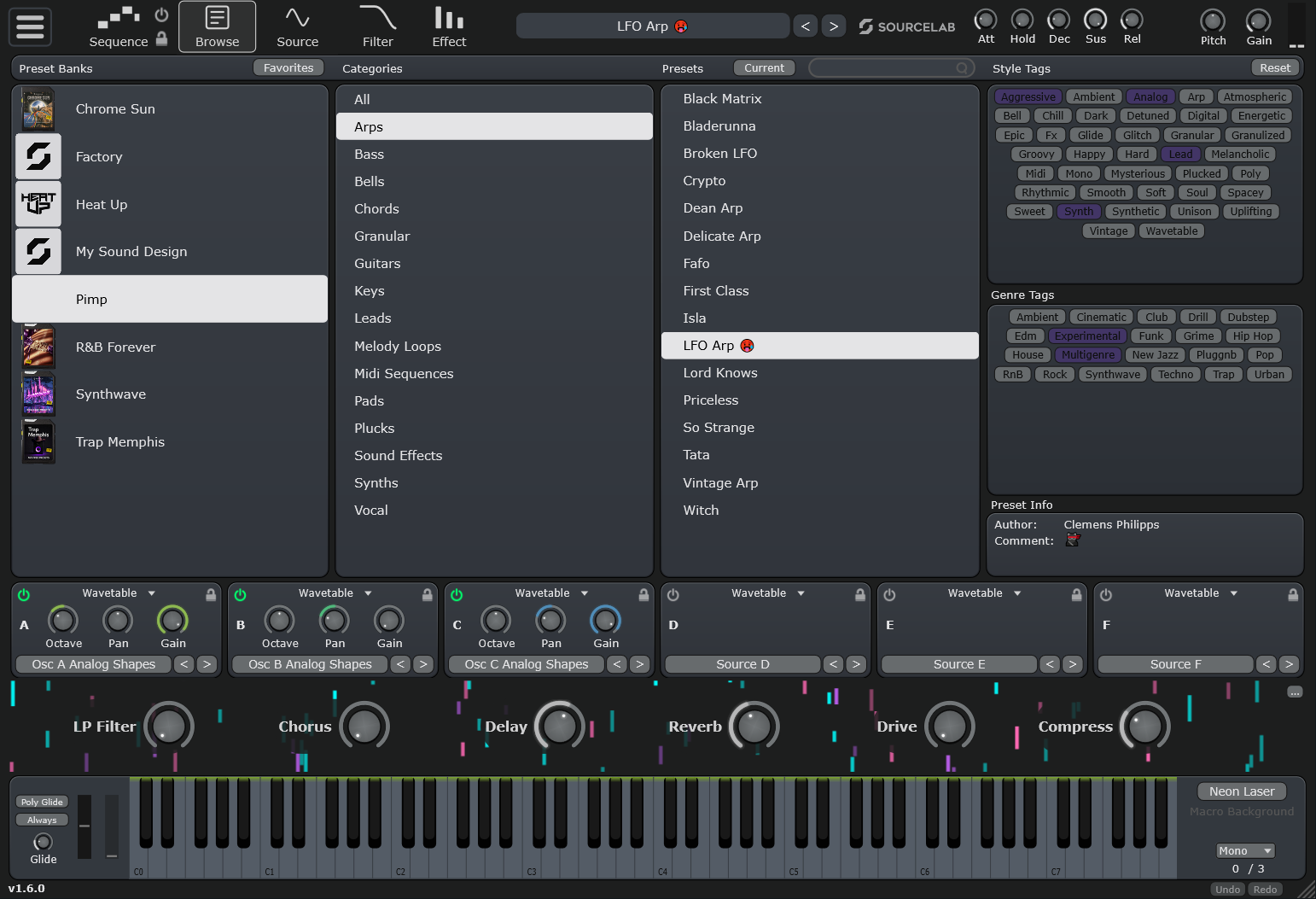
How To Install?
Installing your new SourceLab expansions is incredibly simple.
Download
Download the .slbank file from the links above.
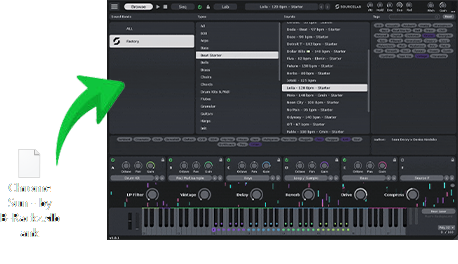
Drag & Drop
Open SourceLab and simply Drag & Drop the downloaded file directly into the Library Panel on the left side of the plugin.